AI Visual Learning
Choose this when learners need to understand how the parts work together.

A plain-English plugin guide content
Helping learners recognise and name the parts of a visual.
For your learners
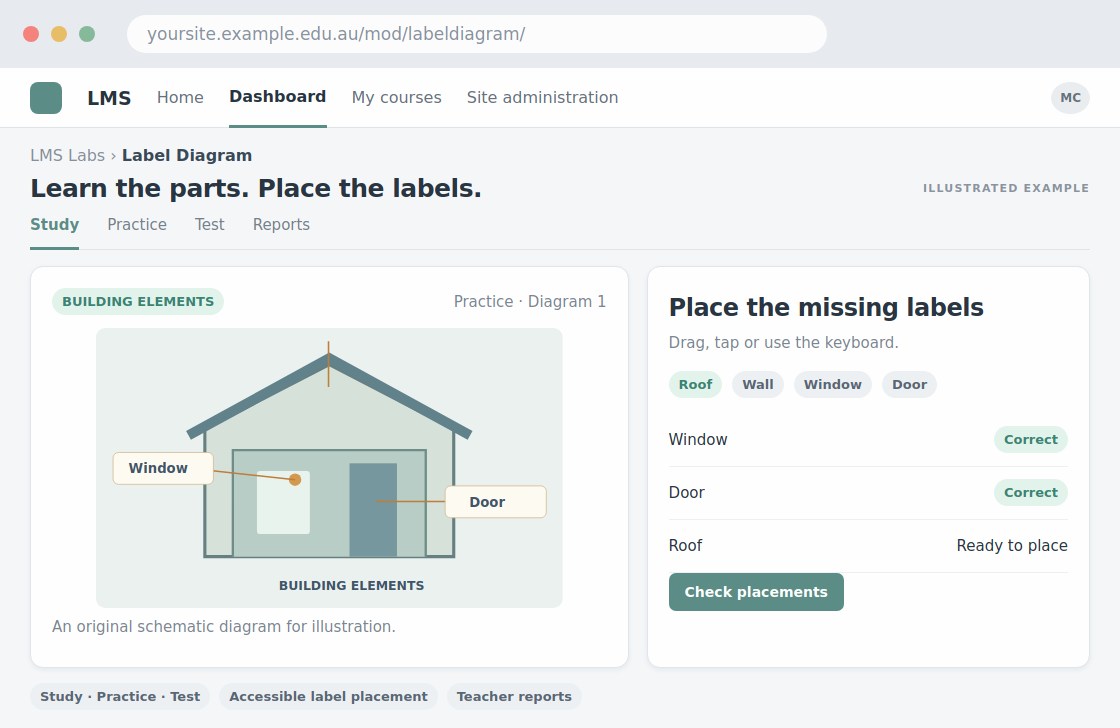
Practise identifying labelled parts on a diagram.
A simple workflow
Get ready
Topic ideas
Choose images with distinct, readable parts. Do not rely on colour alone to distinguish answers.
Compare your options
Choose this when learners need to understand how the parts work together.
Getting started
You’ll need a Moodle site and an administrator to install the plugin. Use the full documentation above to check its setup requirements, then try a small example before a full rollout.