Label Diagram
Choose this if learners mainly need to identify the parts of a picture.

A plain-English plugin guide content
Explaining a process or concept that is easier to understand when learners can see it.
For your learners
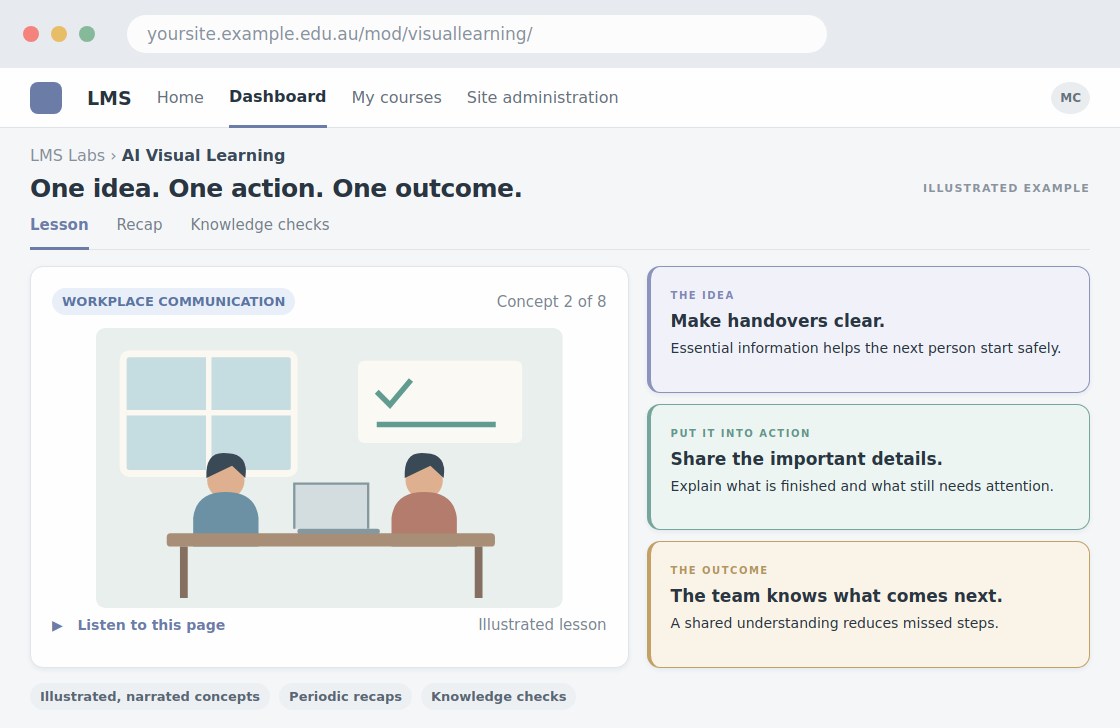
See an illustration while listening to three short teaching points, with checks along the way.
A simple workflow
Get ready
Topic ideas
One animation covers the page's three teaching cards. It is an optional extra, not included in the slide price.
Compare your options
Choose this if learners mainly need to identify the parts of a picture.
Getting started
You’ll need a Moodle site and an administrator to install the plugin. Use the full documentation above to check its setup requirements, then try a small example before a full rollout.