1OVERVIEW
Icon
6 Screenshots
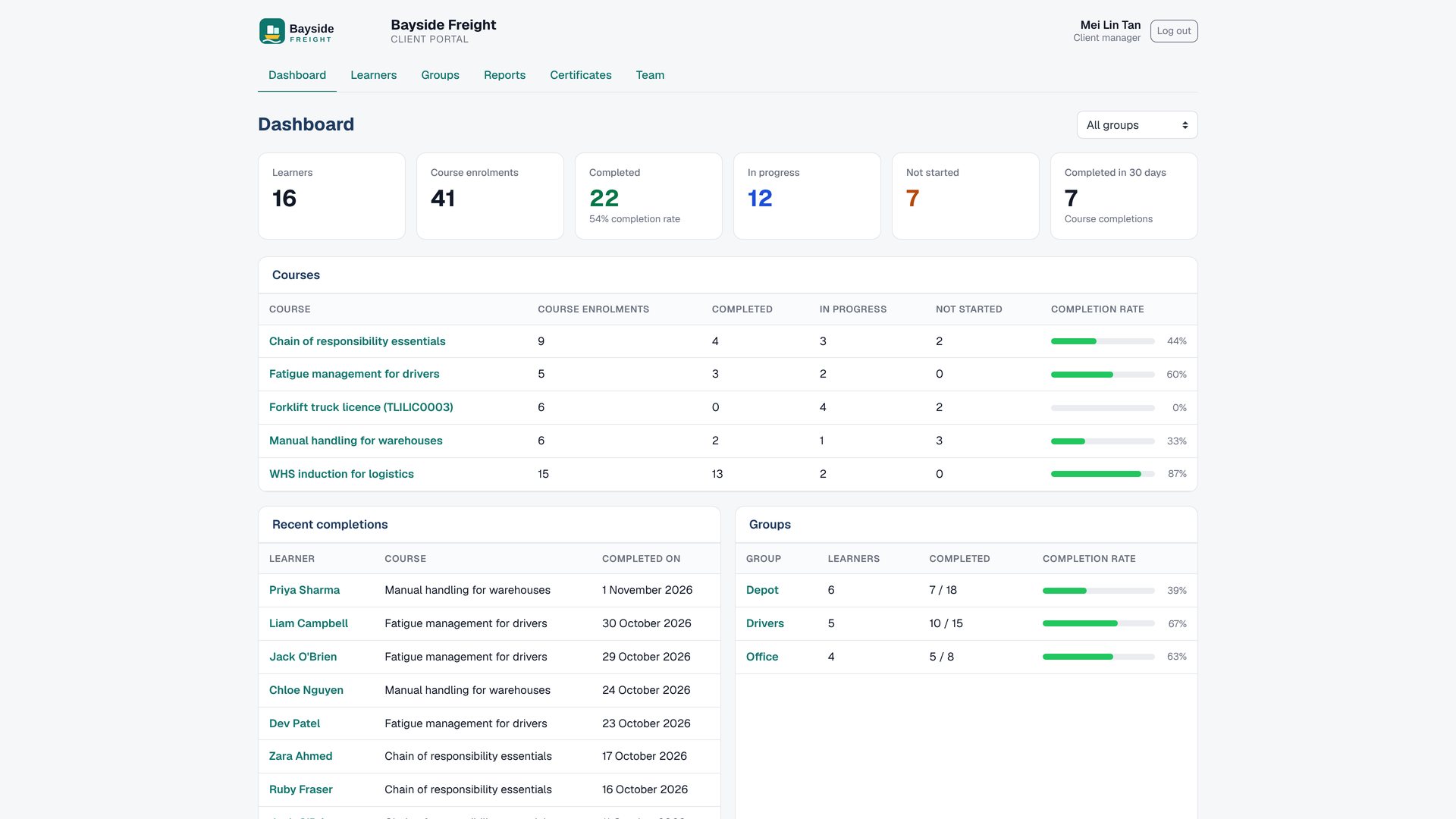
1. A branded portal and progress dashboard
Download screenshot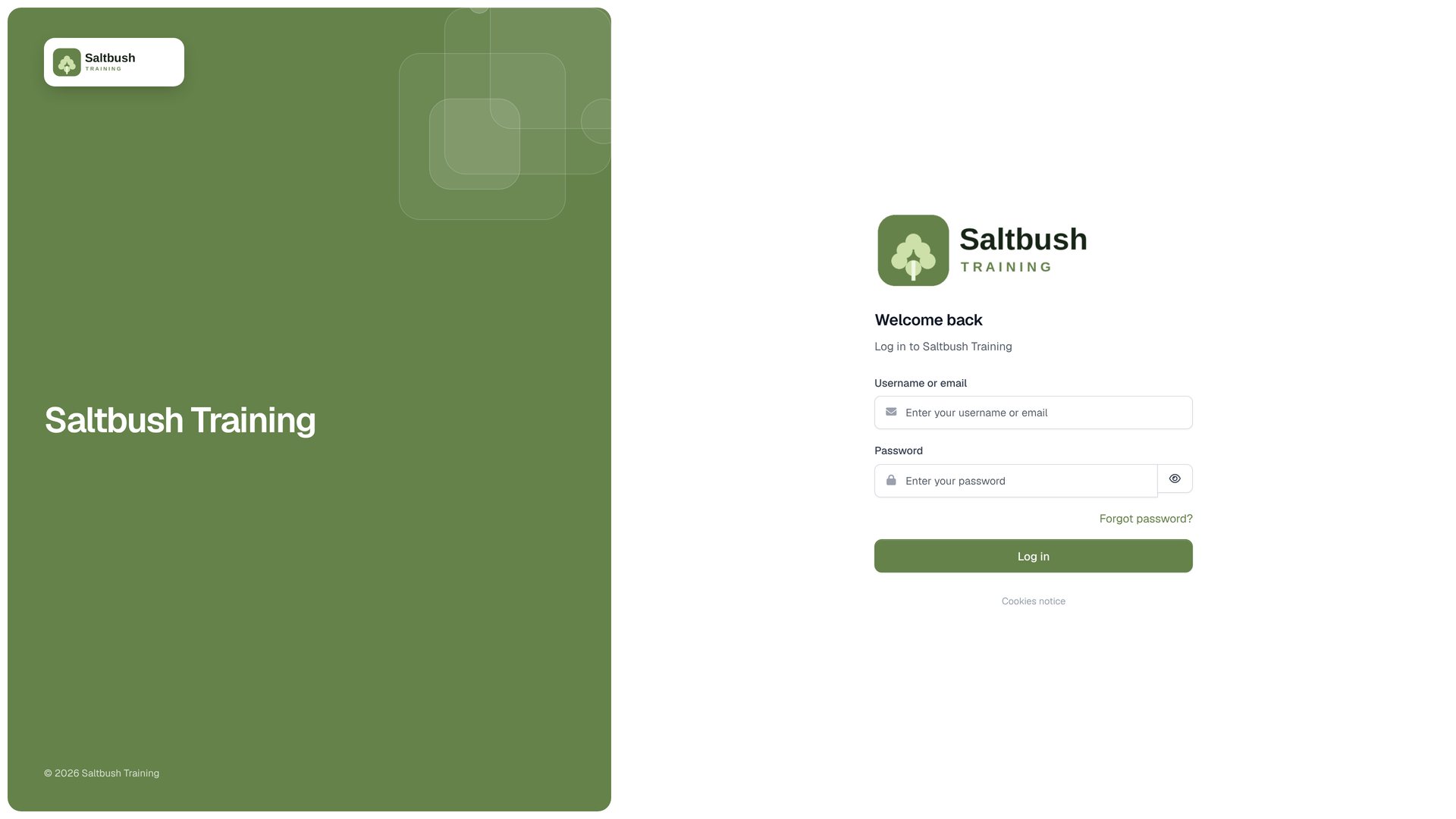
2. Client staff use the normal Moodle login
Download screenshot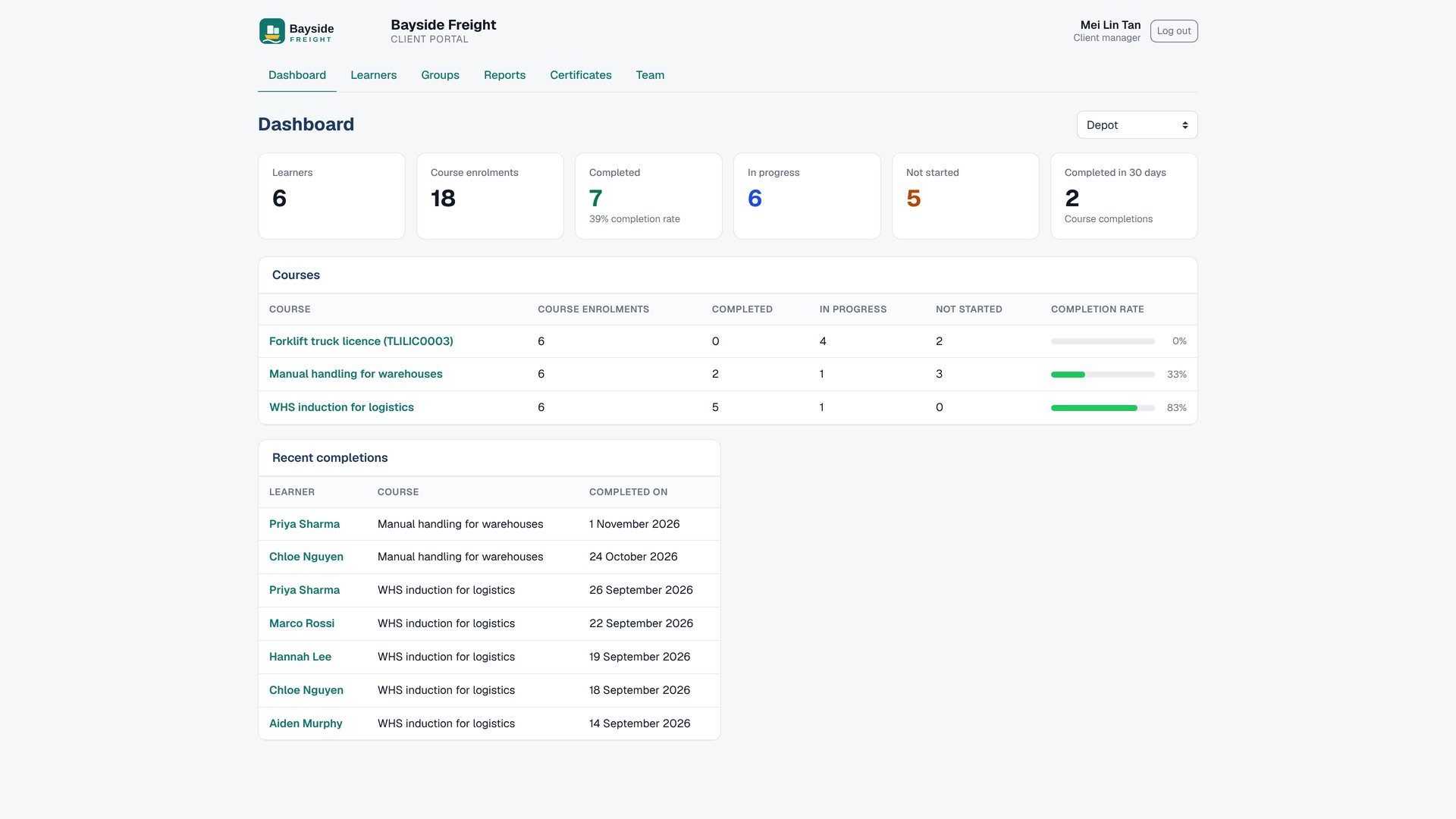
3. Filter dashboard results by group
Download screenshot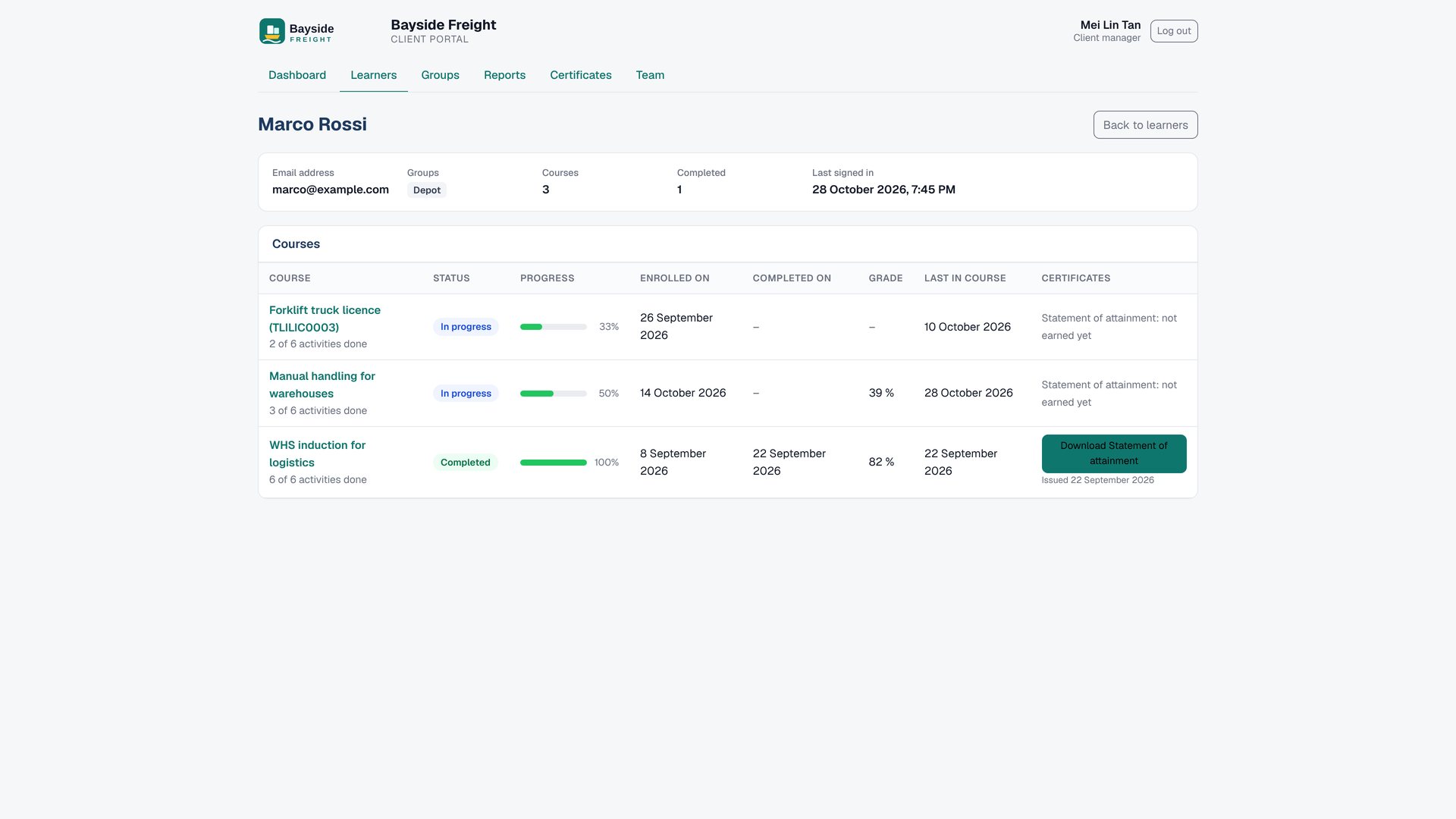
4. Review an individual learner's progress
Download screenshot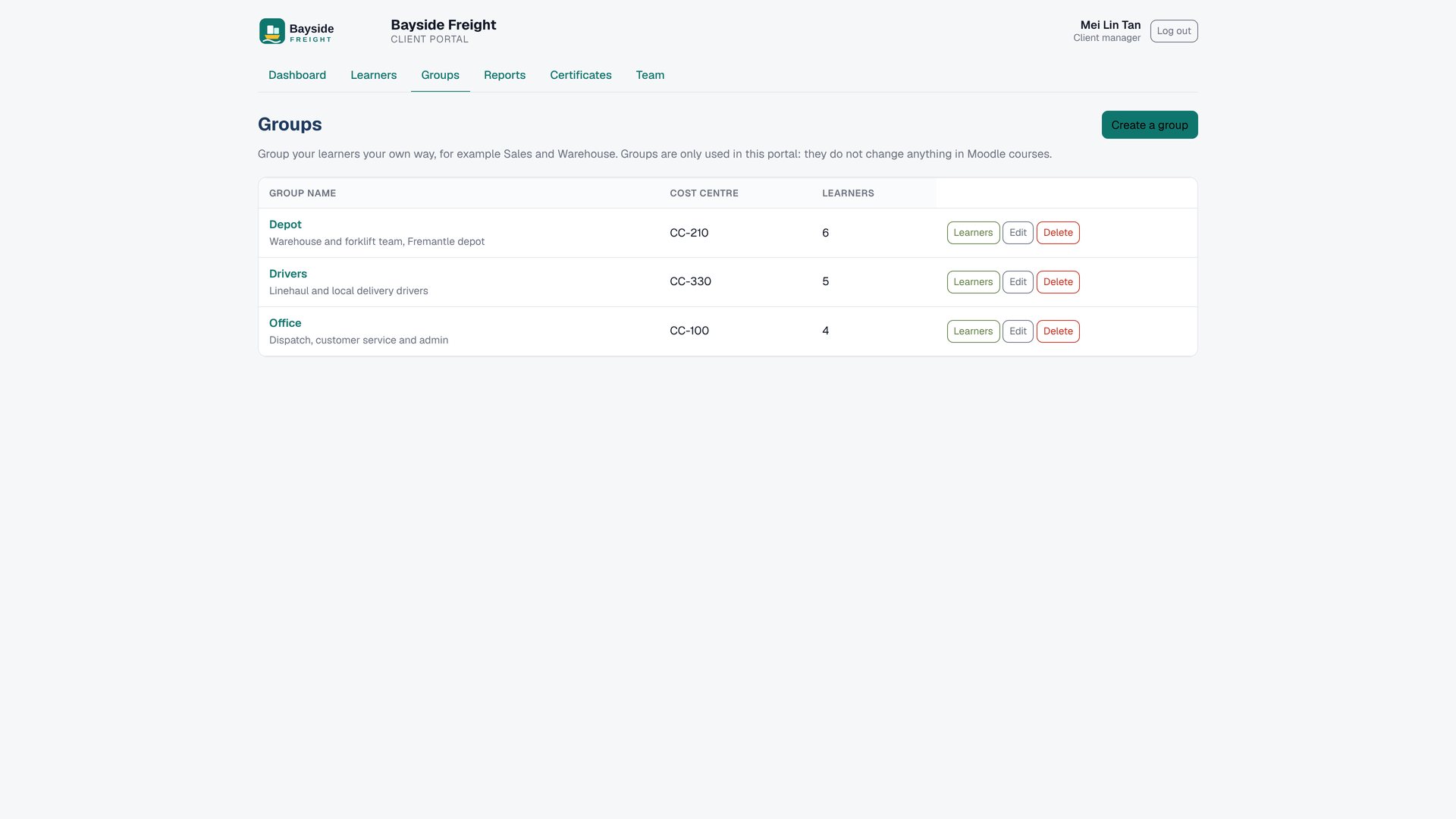
5. Organise clients with portal-only groups
Download screenshot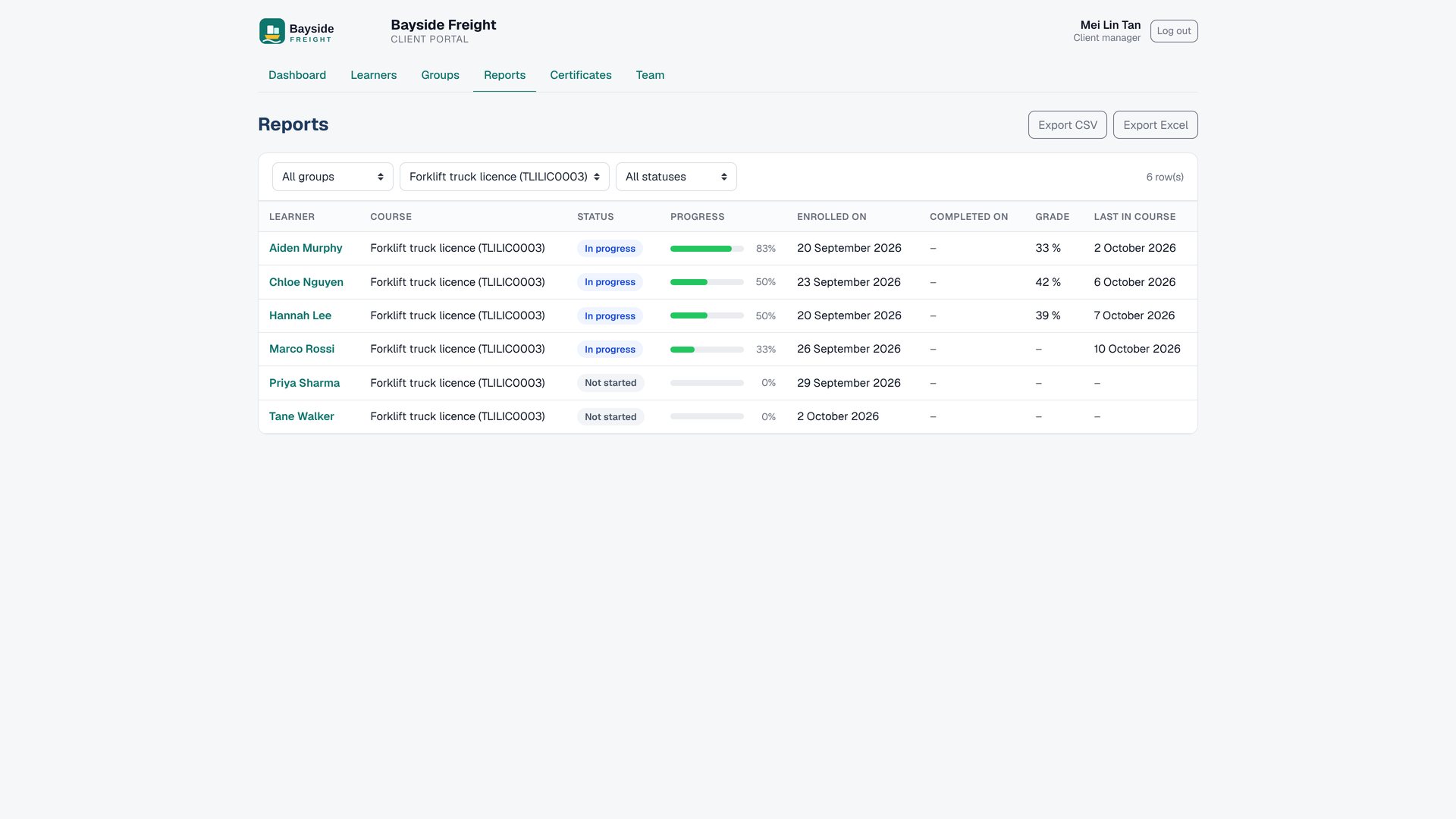
6. Export reports for a course
Download screenshot2DESCRIPTION
Full Description
Give every corporate client its own branded portal. Their managers log in and see their own people's progress, grades and certificates, and nothing else. You stop answering “how are my people going?” emails.
What clients can see and do
- See a separate dashboard for every client, with each client's logo and colours on the usual Moodle™ login page.
- Review learners, course enrolments, activity completion, grades and certificates; search and filter by group.
- Organise portal-only groups, export progress to Excel or CSV, and download certificates individually or together as a ZIP.
- Manage client staff, review the portal activity log, and use 17 screenshot-guided help instructions.
- Client staff stay inside the portal and cannot browse courses, profiles, the Moodle dashboard or administration pages.
Privacy and permissions
Client managers see only the enrolments assigned to their organisation. A learner's private or other-client enrolments remain hidden. Site administrators keep their normal access. Client Portal groups do not change Moodle groups or cohorts.
No AI and no AI credits
Client Portal reads Moodle enrolments, activity completion, grades and certificates. It does not use AI, AI credits or ChatGPT. The one-time LMS Labs unlock is 500 Credits ($50 USD).
Compatibility and integrations
Client Portal 1.0.5 supports Moodle™ 4.4 to 5.3. It can be used with Cohort Branding, the Premium SaaS theme, Custom certificate (including Moodle 5.2+) and Certificate manager.
Frequently asked questions
- Can client staff open courses or other Moodle pages? No. They are returned to their portal when they try; site administrators keep full access.
- What if a learner works for two clients? Assign each enrolment to the client that owns it; the other client cannot see it.
- Do portal groups change Moodle groups? No. Client Portal groups are separate.
- Can clients enrol people or pay online? Those functions are planned for a later release and are not in this version.
- Does Client Portal use AI? No. It uses Moodle data and no AI credits.
Pricing
This plugin is available on the Moodle Marketplace for 500 Credits ($50 USD) (one-off). An LMS Labs account (free) is required to use AI features.
HTML source for the description editor
3SUPPORT
4PRICING AND BILLING
5VERSIONS
Plugin Zip File
Release manifest is loading.