AI Slide Flow
Choose this when you have a document or topic but no slide deck yet.

A plain-English plugin guide content
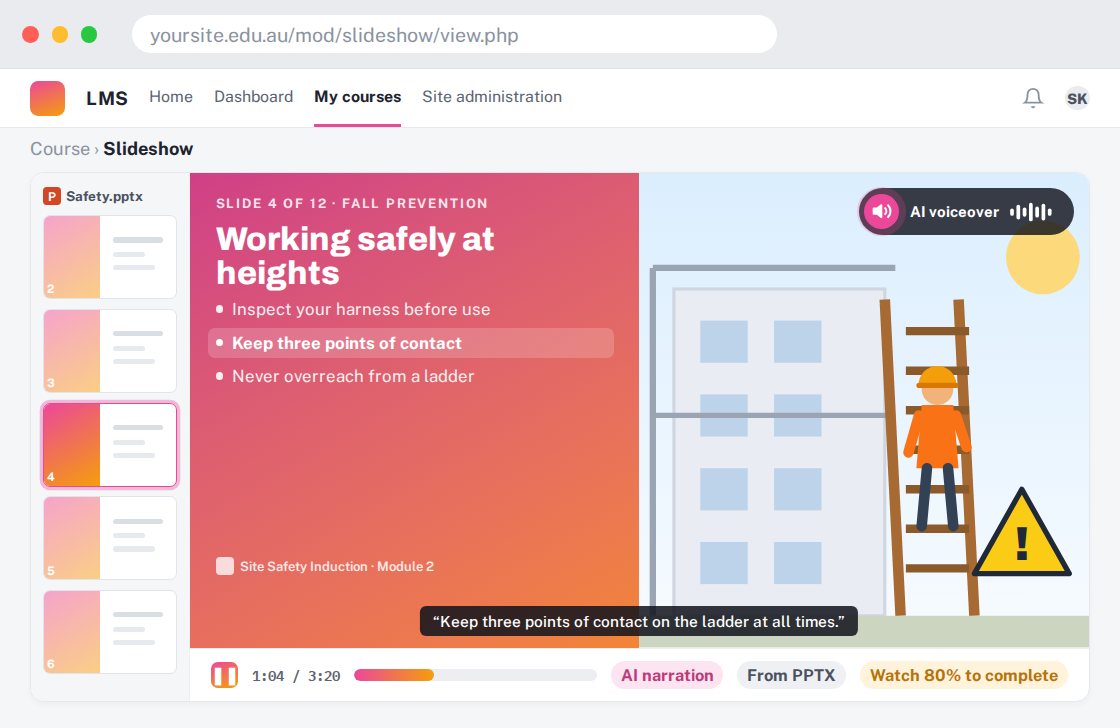
Reusing an existing PowerPoint deck as Moodle learning material with AI narration.
For your learners
View your slides with spoken explanations instead of opening a separate presentation file.
A simple workflow
Get ready
Topic ideas
Good existing slides help. Narration cannot repair an inaccurate or overcrowded presentation automatically.
Compare your options
Choose this when you have a document or topic but no slide deck yet.
Getting started
You’ll need a Moodle site and an administrator to install the plugin. Use the full documentation above to check its setup requirements, then try a small example before a full rollout.