AI Slideshow
Choose this if you already have a PowerPoint presentation to bring into Moodle.

A plain-English plugin guide content
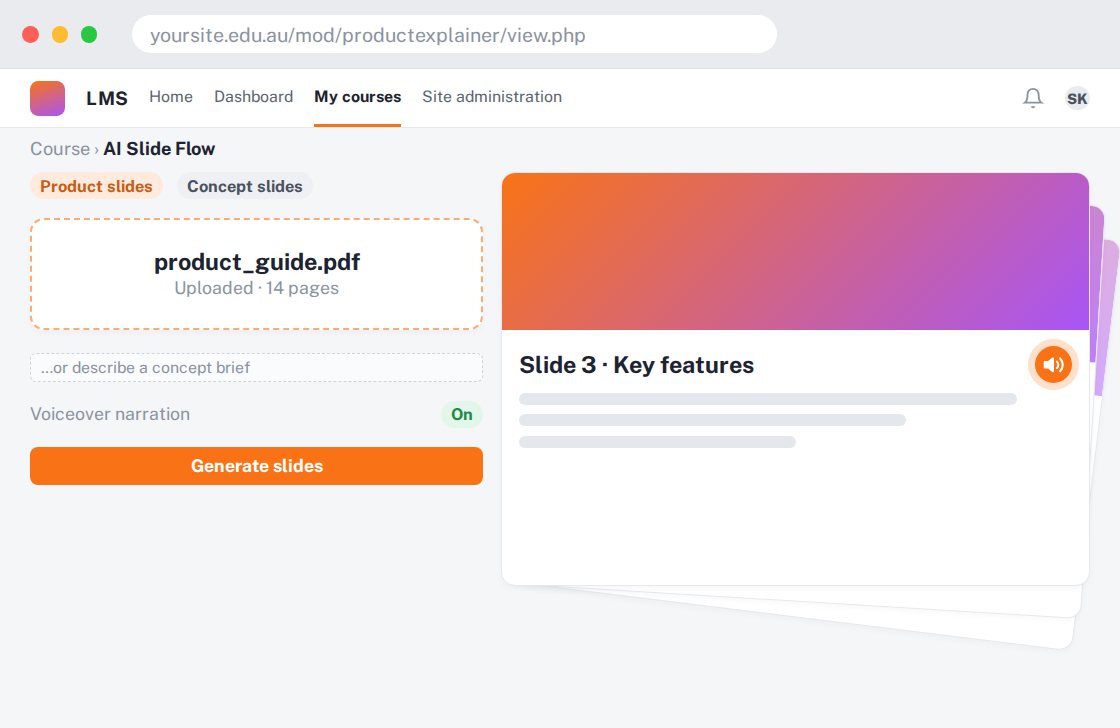
Turning a document or topic into a slide-based explanation without starting from a blank presentation.
For your learners
Move through an organised presentation with optional narration.
A simple workflow
Get ready
Topic ideas
Verify product specifications and instructions against your real source; generated text is a draft.
Compare your options
Choose this if you already have a PowerPoint presentation to bring into Moodle.
Getting started
You’ll need a Moodle site and an administrator to install the plugin. Use the full documentation above to check its setup requirements, then try a small example before a full rollout.