DocGuard
Choose this when the evidence is an uploaded Word or PDF document.

A plain-English plugin guide grading
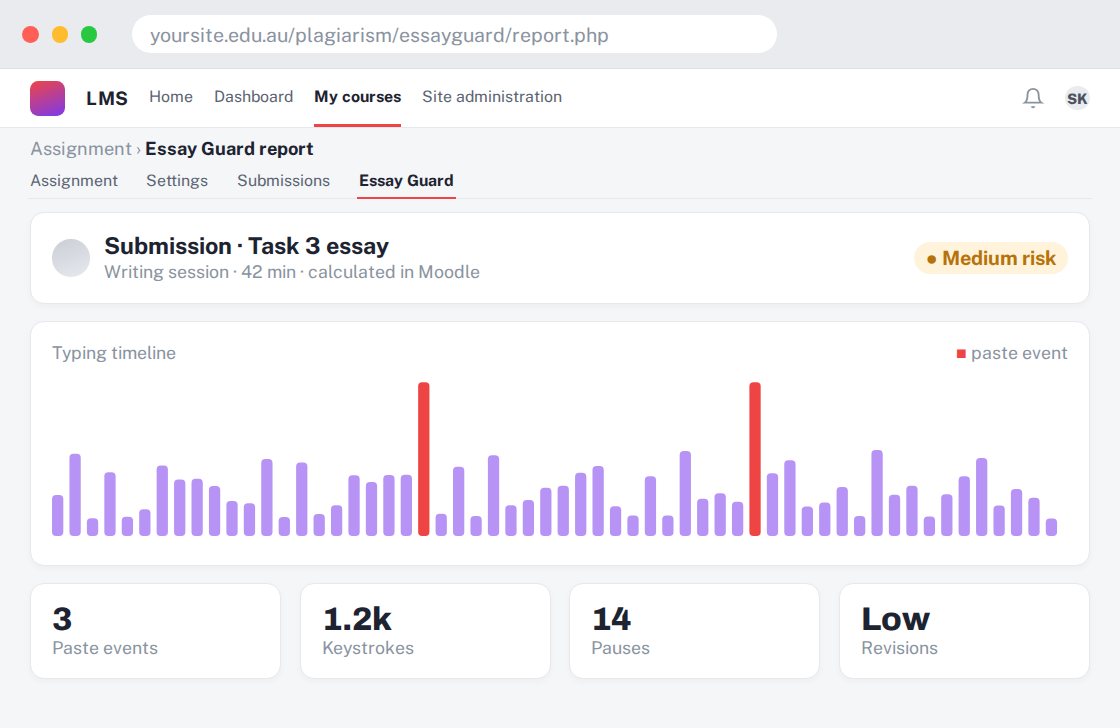
Giving teachers context about how a learner produced a written response.
For your learners
Write an answer while the configured writing-process checks collect relevant signals.
A simple workflow
Get ready
Topic ideas
Typing and pasting patterns are signals, not proof of plagiarism or AI use. Allow for accessibility and legitimate working methods.
Compare your options
Choose this when the evidence is an uploaded Word or PDF document.
Getting started
You’ll need a Moodle site and an administrator to install the plugin. Use the full documentation above to check its setup requirements, then try a small example before a full rollout.