Essay Guard
Choose this when you need context about the writing process itself.

A plain-English plugin guide grading
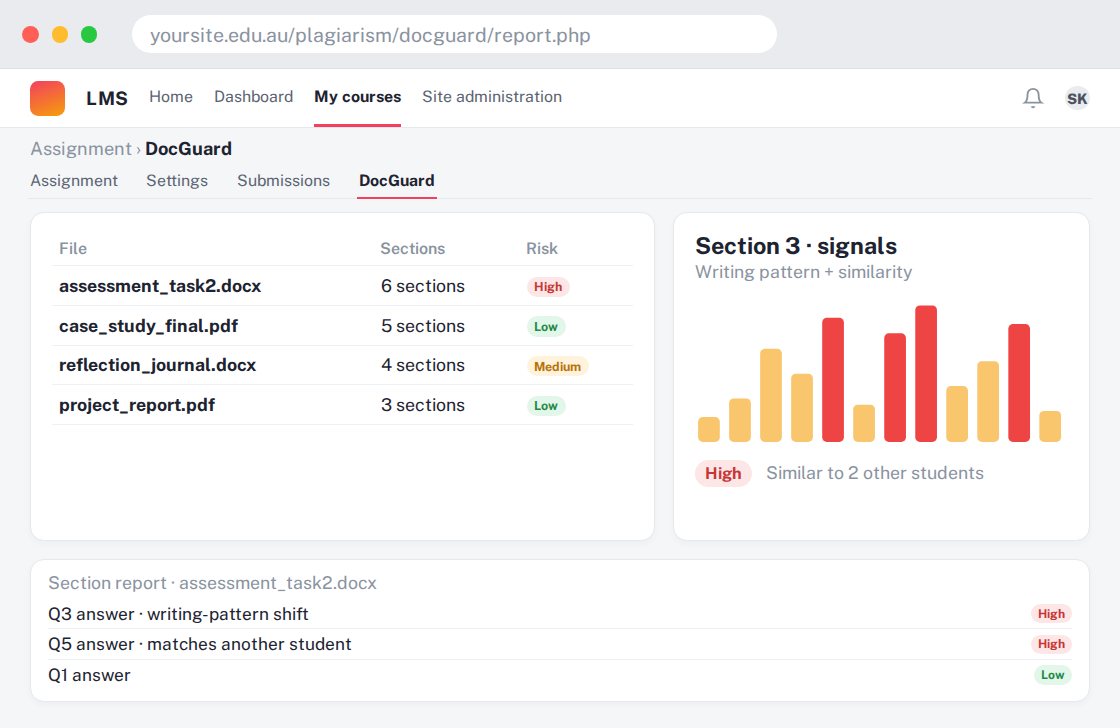
Reviewing uploaded documents for plagiarism and AI-writing risk signals.
For your learners
Submit a document through the configured assessment workflow; teachers review any concerns.
A simple workflow
Get ready
Topic ideas
A risk score cannot establish misconduct on its own. Do not treat an automated flag as a final decision.
Compare your options
Choose this when you need context about the writing process itself.
Getting started
You’ll need a Moodle site and an administrator to install the plugin. Use the full documentation above to check its setup requirements, then try a small example before a full rollout.