AI Interactive Video
Compare this when you want interactions placed at relevant moments in a video.

A plain-English plugin guide content
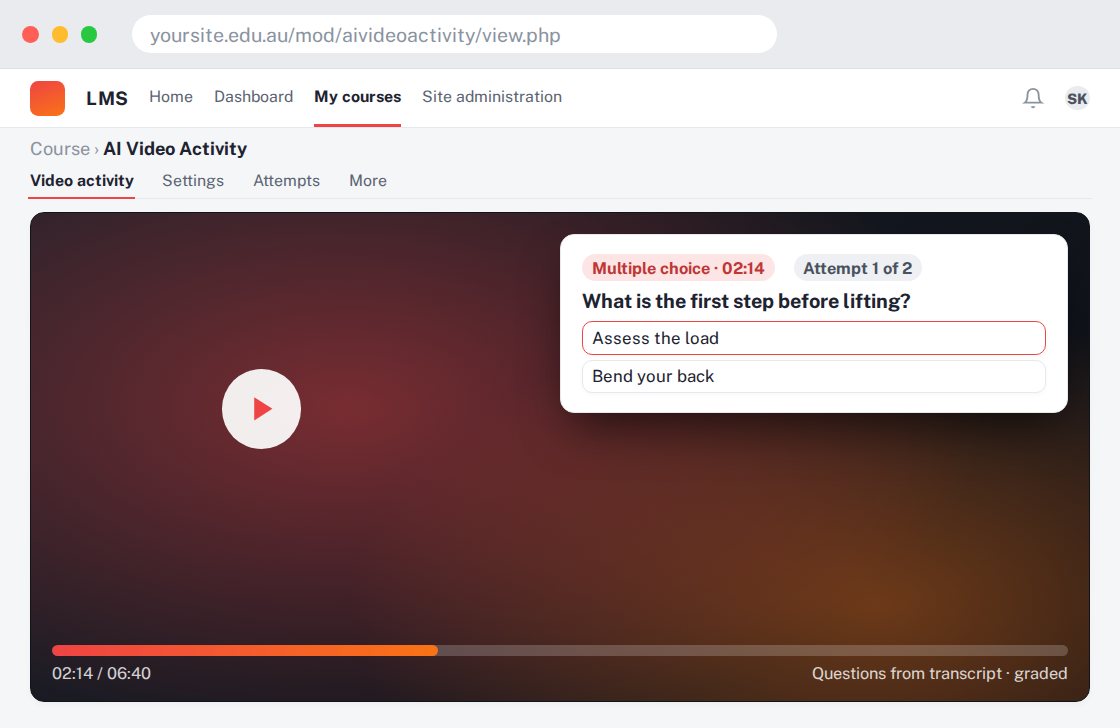
Building a question-based learning activity around YouTube video or audio content.
For your learners
Engage with source media and answer questions about it.
A simple workflow
Get ready
Topic ideas
Transcript length affects generation cost. An inaccurate transcript can produce inaccurate questions.
Compare your options
Compare this when you want interactions placed at relevant moments in a video.
Getting started
You’ll need a Moodle site and an administrator to install the plugin. Use the full documentation above to check its setup requirements, then try a small example before a full rollout.