Video Evidence
Choose this if learners need to submit their own video rather than watch yours.

A plain-English plugin guide content
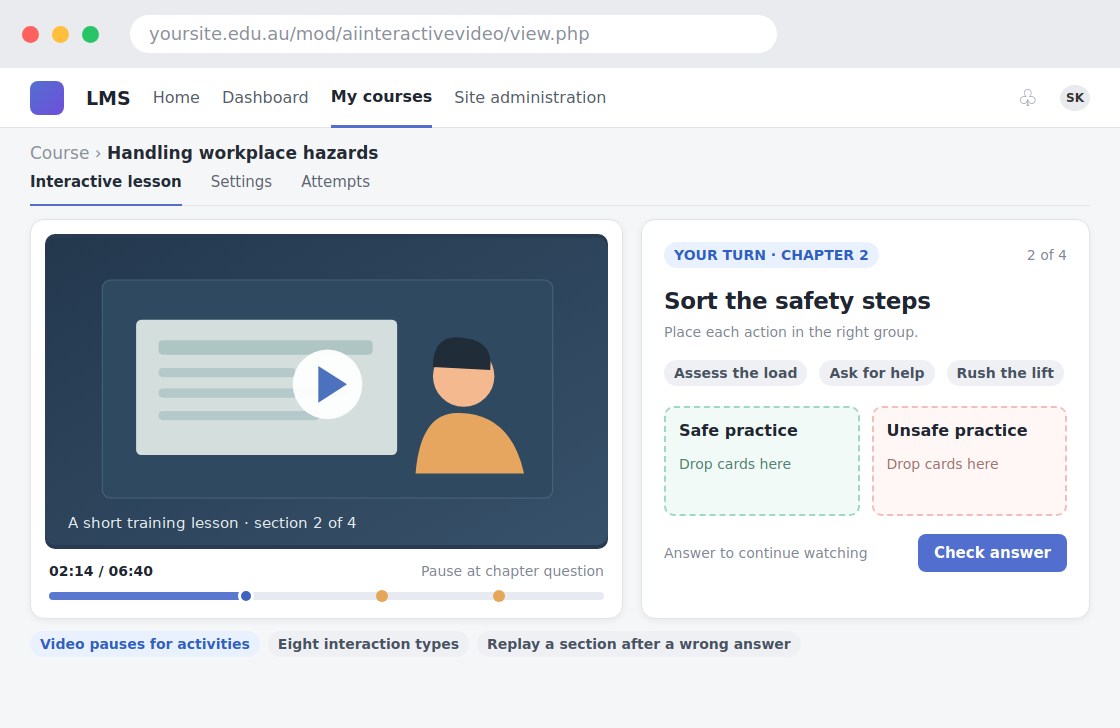
Turning passive video watching into an activity with questions and interaction.
For your learners
Watch a video and respond to activities at relevant moments.
A simple workflow
Get ready
Topic ideas
Choose a clear educational video. Check that each question matches what the video actually teaches.
Compare your options
Choose this if learners need to submit their own video rather than watch yours.
Getting started
You’ll need a Moodle site and an administrator to install the plugin. Use the full documentation above to check its setup requirements, then try a small example before a full rollout.