Label Diagram
Choose this for a simpler part-identification task using your own diagram.

A plain-English plugin guide content
Making anatomical structures easier to explore and recognise.
For your learners
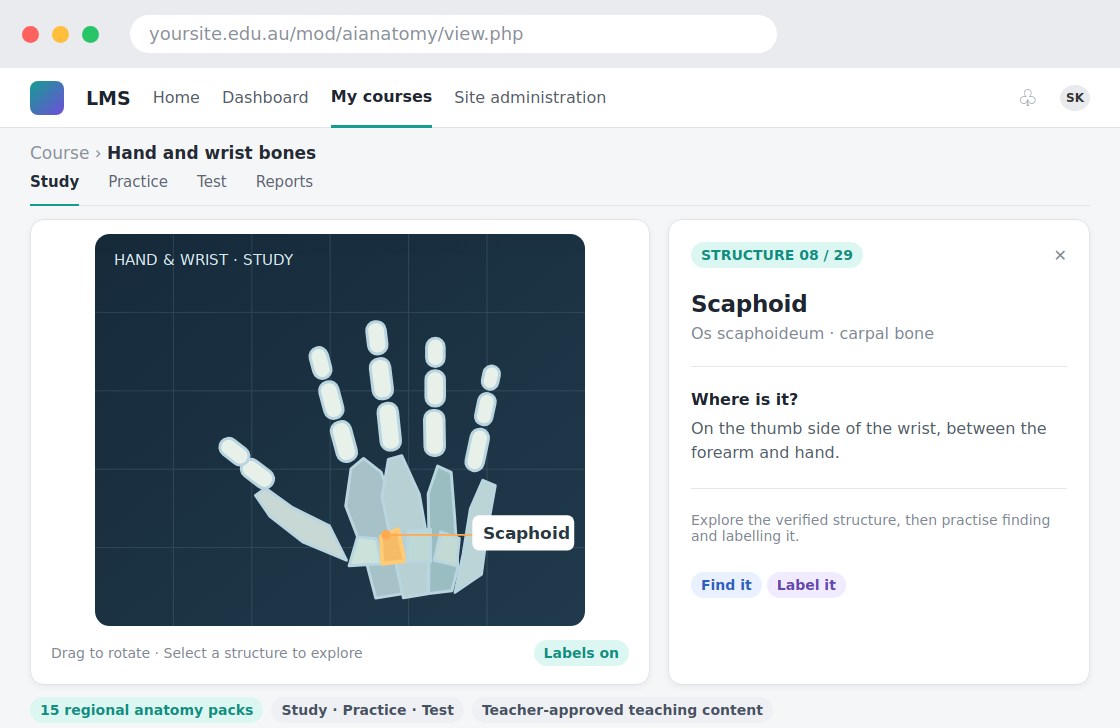
Explore interactive three-dimensional anatomy models and practise with questions.
A simple workflow
Get ready
Topic ideas
Educational anatomy content is not medical advice or a clinical diagnosis tool.
Compare your options
Choose this for a simpler part-identification task using your own diagram.
Getting started
You’ll need a Moodle site and an administrator to install the plugin. Use the full documentation above to check its setup requirements, then try a small example before a full rollout.