AI Knowledge Check
Choose this when you want a question-based check of understanding.

A plain-English plugin guide content
Making facts and concepts easier to practise through short interactive revision.
For your learners
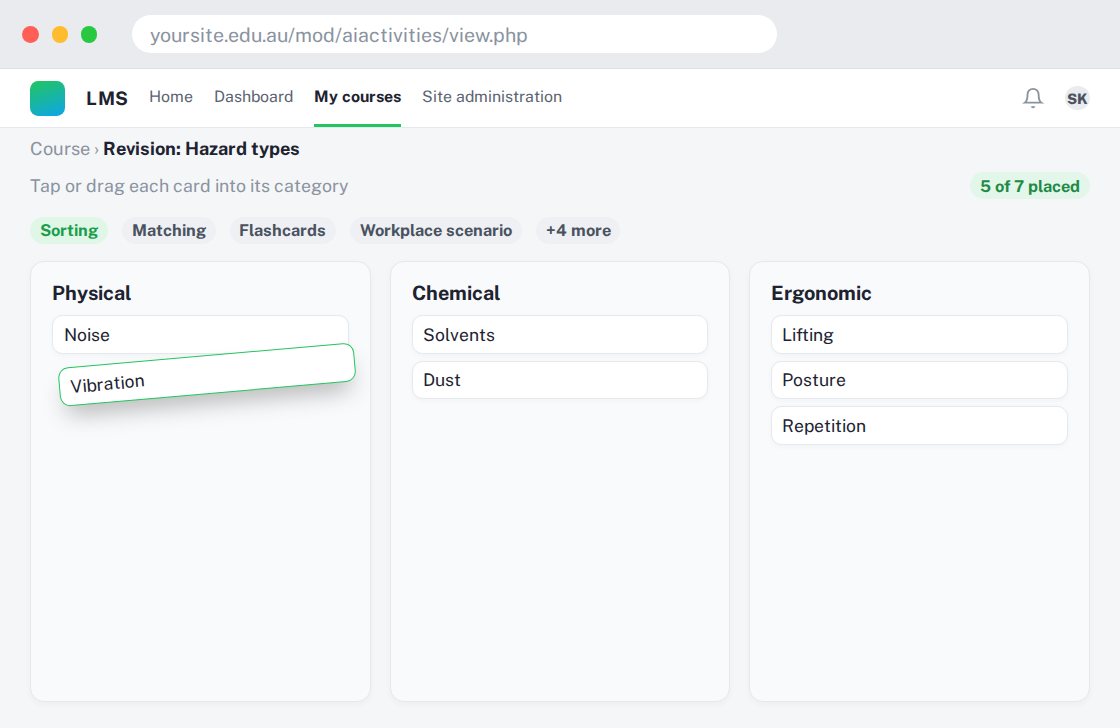
Use activities such as matching, sorting and flashcards rather than only reading notes.
A simple workflow
Get ready
Topic ideas
Use for practice and reinforcement; do not assume every activity is suitable as formal assessment evidence.
Compare your options
Choose this when you want a question-based check of understanding.
Getting started
You’ll need a Moodle site and an administrator to install the plugin. Use the full documentation above to check its setup requirements, then try a small example before a full rollout.