AI Quiz Maker
Choose this if you want reusable questions in Moodle's question bank.

A plain-English plugin guide content
Checking understanding immediately after a lesson, with feedback that helps learners improve.
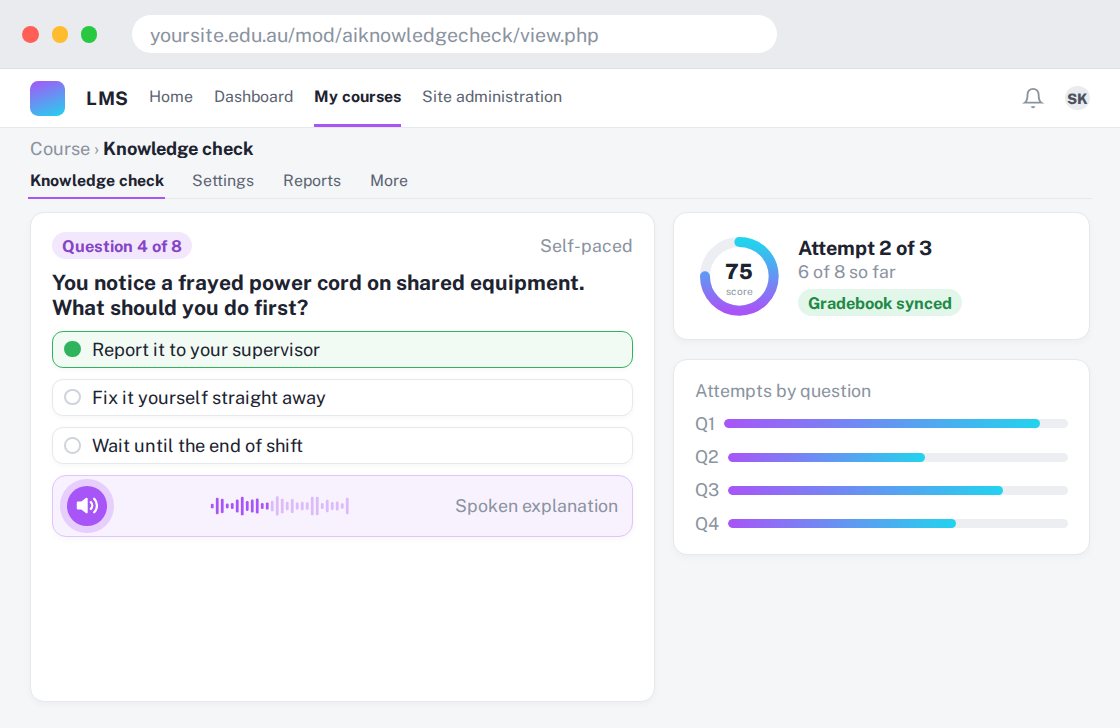
For your learners
Answer short questions and receive explanations, with optional spoken content.
A simple workflow
Get ready
Topic ideas
Keep each check focused. More questions do not automatically mean better learning.
Compare your options
Choose this if you want reusable questions in Moodle's question bank.
Getting started
You’ll need a Moodle site and an administrator to install the plugin. Use the full documentation above to check its setup requirements, then try a small example before a full rollout.