Workshop Scheduler
Use this to organise the workshops that supply the attendance information.

A plain-English plugin guide training
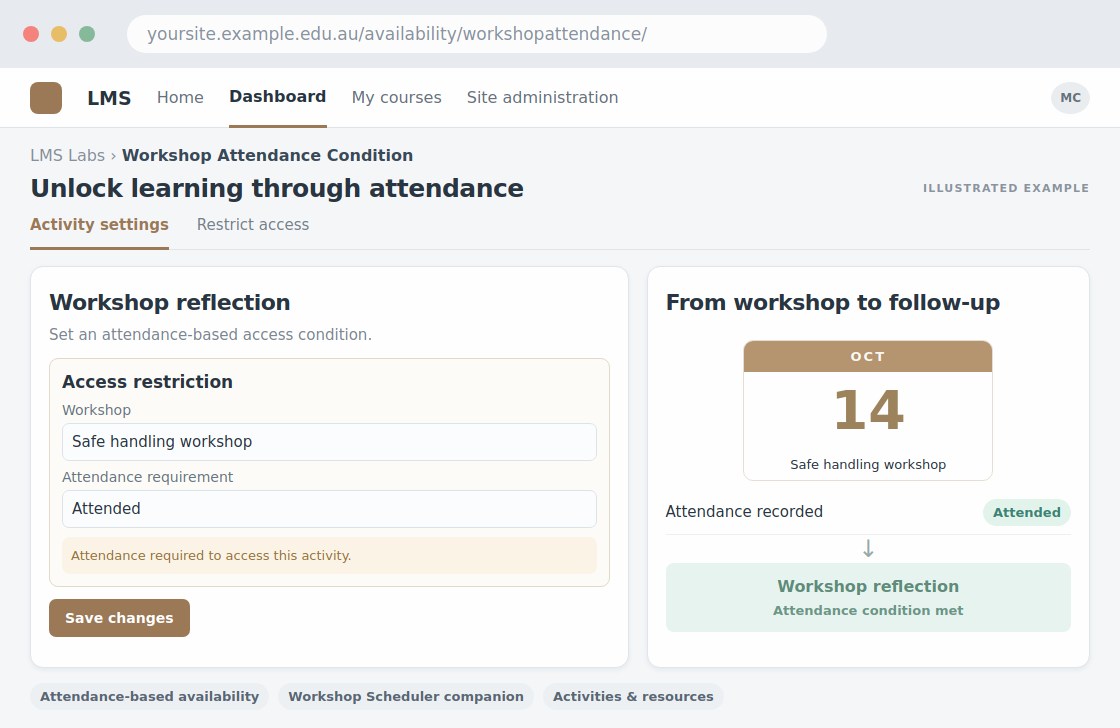
Making activity access depend on the required workshop attendance.
For your learners
Access the next activity when the configured attendance condition is met.
A simple workflow
Get ready
Topic ideas
Attendance must be recorded correctly. Being present is not, on its own, evidence of competence.
Compare your options
Use this to organise the workshops that supply the attendance information.
Getting started
You’ll need a Moodle site and an administrator to install the plugin. Use the full documentation above to check its setup requirements, then try a small example before a full rollout.