AI Essay Grader
Choose this when the task is assisting with essay marking.

A plain-English plugin guide grading
Managing quiz reattempts while written answers are waiting to be marked.
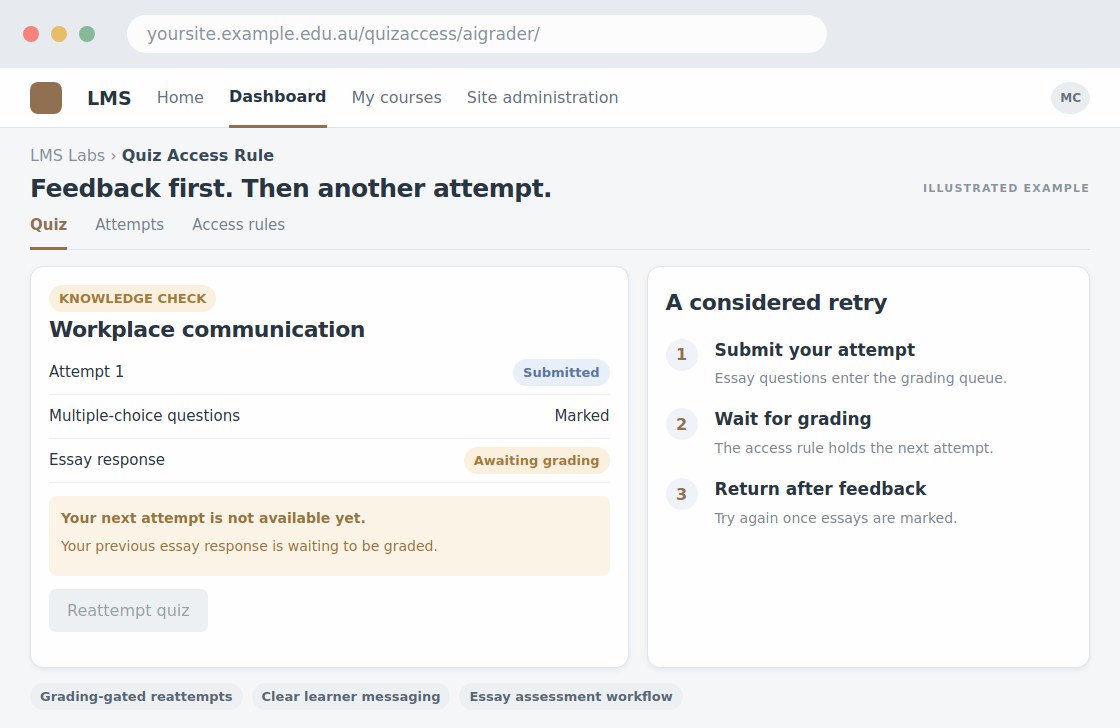
For your learners
Follow the configured attempt rules and answer-release timing.
A simple workflow
Get ready
Topic ideas
This controls access; it does not itself generate questions, detect plagiarism or mark essays.
Compare your options
Choose this when the task is assisting with essay marking.
Getting started
You’ll need a Moodle site and an administrator to install the plugin. Use the full documentation above to check its setup requirements, then try a small example before a full rollout.