AI Essay Grader
Use this for the AI-assisted essay marking itself.

A plain-English plugin guide block
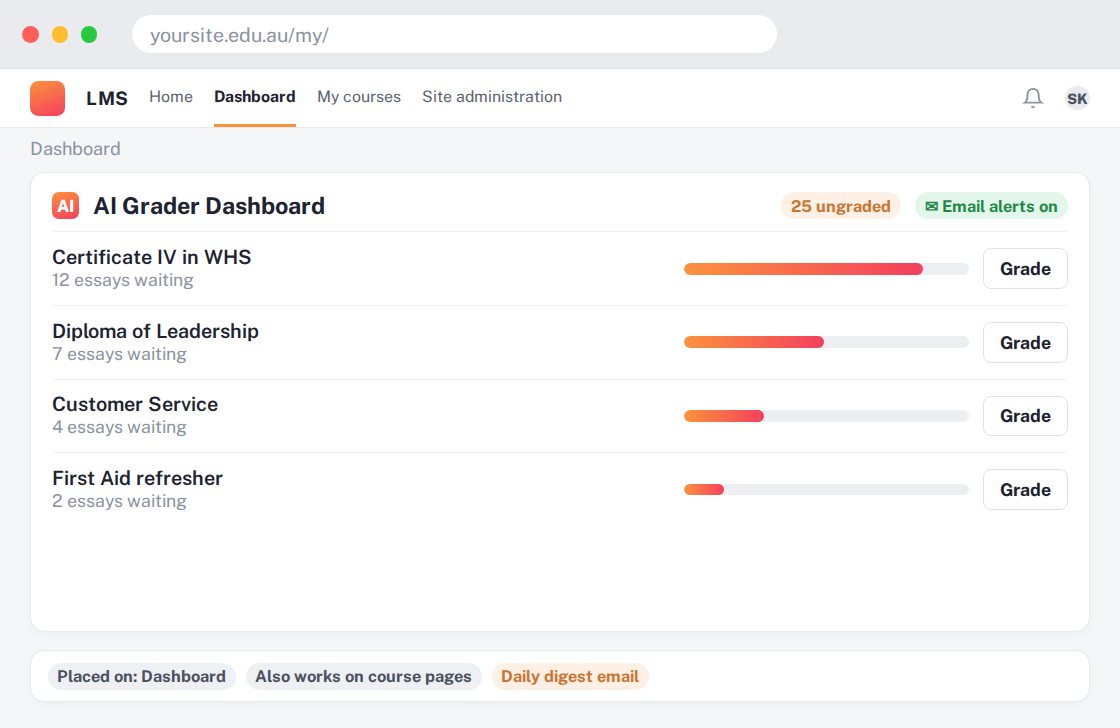
Finding quiz essays that still need attention without opening every course.
For your learners
An indirect benefit: teachers can identify and follow up outstanding marking more easily.
A simple workflow
Get ready
Topic ideas
This is a teacher dashboard, not a separate question generator or free grading service.
Compare your options
Use this for the AI-assisted essay marking itself.
Getting started
You’ll need a Moodle site and an administrator to install the plugin. Use the full documentation above to check its setup requirements, then try a small example before a full rollout.