Course Prerequisite
Choose this when access should depend on completing earlier learning.

A plain-English plugin guide groups
Controlling when enrolled courses appear on a learner's My Courses dashboard.
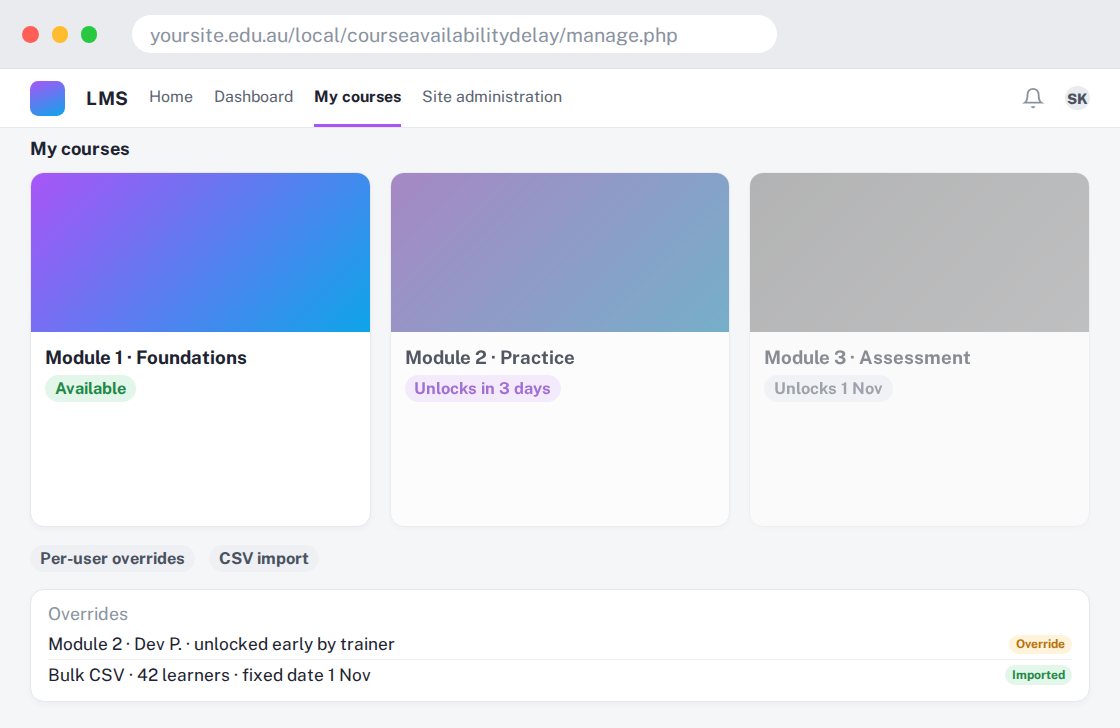
For your learners
See courses on the dashboard at the time configured by the site.
A simple workflow
Get ready
Topic ideas
Dashboard visibility is not the same as blocking every direct route into a course.
Compare your options
Choose this when access should depend on completing earlier learning.
Getting started
You’ll need a Moodle site and an administrator to install the plugin. Use the full documentation above to check its setup requirements, then try a small example before a full rollout.