Course Recertification
Choose this when learners need a future renewal cycle.

A plain-English plugin guide groups
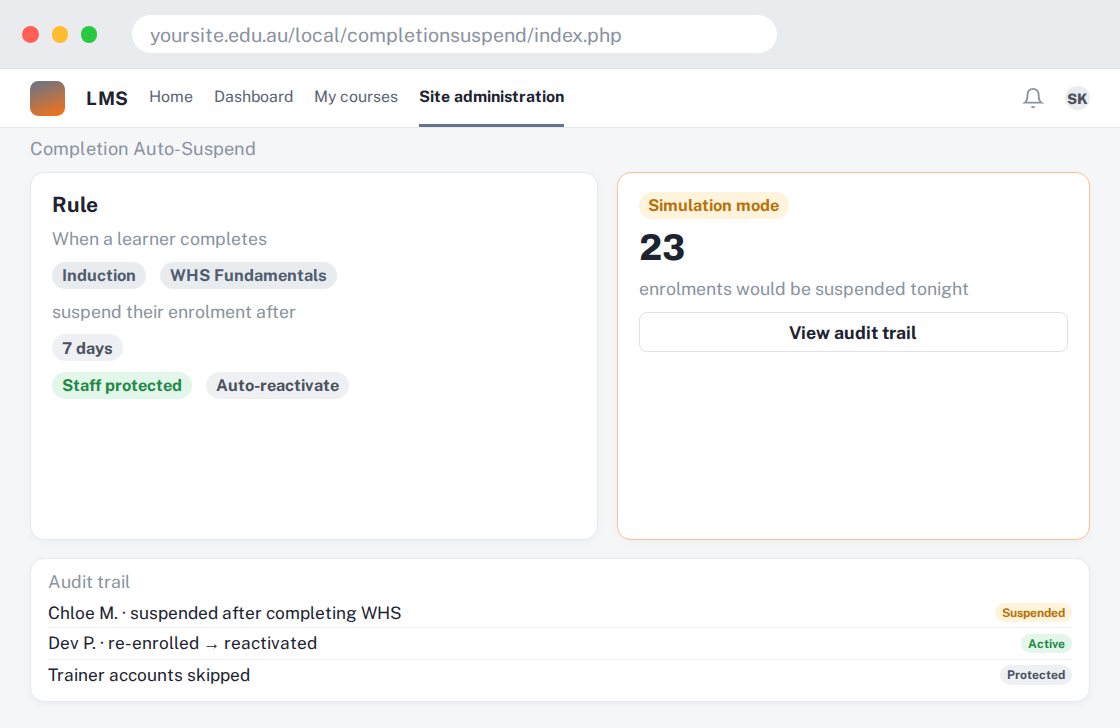
Applying an enrolment suspension workflow after course completion.
For your learners
Course access changes after the configured completion condition is met.
A simple workflow
Get ready
Topic ideas
Suspension changes access. Confirm your retention and learner-access obligations before enabling it.
Compare your options
Choose this when learners need a future renewal cycle.
Getting started
You’ll need a Moodle site and an administrator to install the plugin. Use the full documentation above to check its setup requirements, then try a small example before a full rollout.