AI Content Creator
Choose this when you need to create the actual teaching content.

A plain-English plugin guide content
Making a Moodle course easier to navigate with visual sections and a consistent layout.
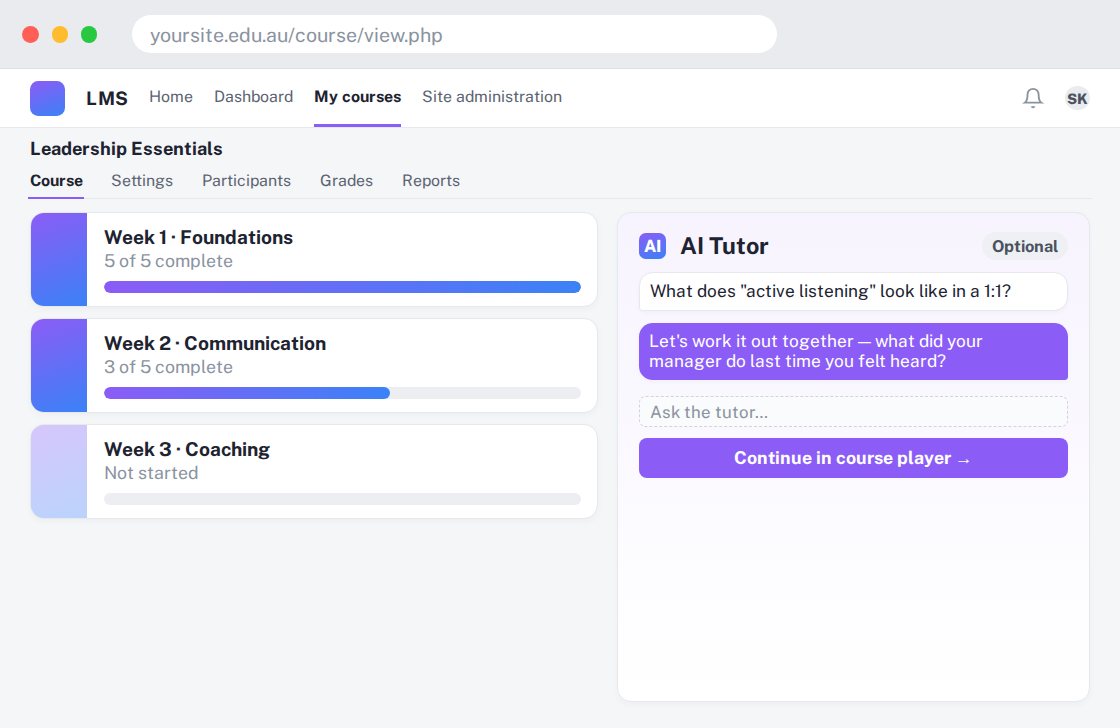
For your learners
Find course sections through visual cards and clearer navigation.
A simple workflow
Get ready
Topic ideas
A course format organises the course. It is not, by itself, a complete lesson generator.
Compare your options
Choose this when you need to create the actual teaching content.
Getting started
You’ll need a Moodle site and an administrator to install the plugin. Use the full documentation above to check its setup requirements, then try a small example before a full rollout.