Build a reviewed Moodle course from curriculum.
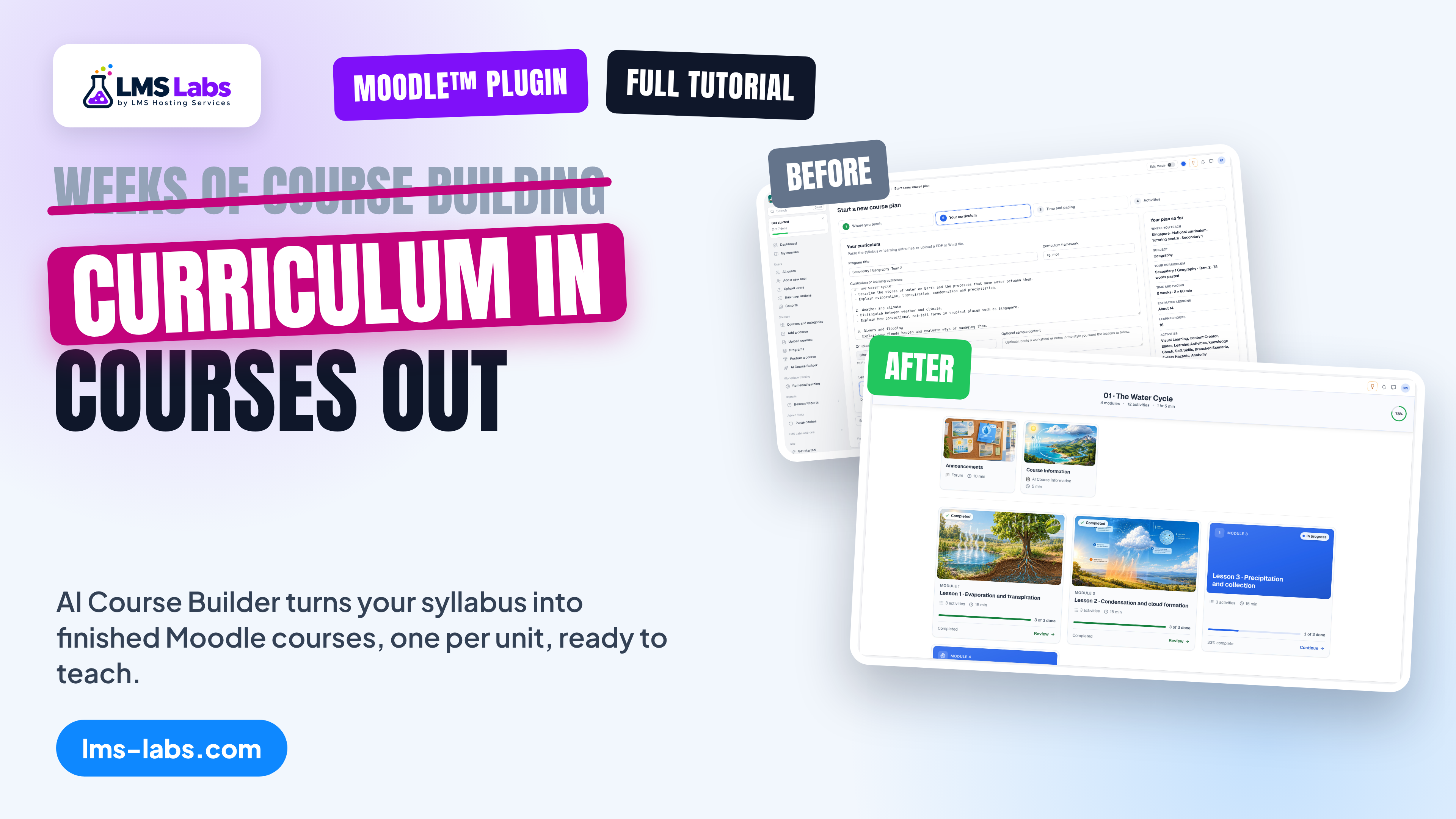
AI Course Builder turns curriculum material into a structured plan for a teacher to review. After approval, it creates Moodle courses and delegates activity generation to the selected plugins.
The builder has no one-time unlock price. Before generation, it estimates the selected tools using their current server prices; each activity plugin keeps its own credit, generation, storage and retry rules.
How it works
Teacher review stays in control
Step 1
Add curriculum
Paste curriculum text or upload a supported PDF or DOCX. Choose the country, level, subject and delivery schedule.
Step 2
Review the plan
Check the proposed outcomes, lesson sequence and selected Moodle activity tools before approving the build.
Step 3
Build native activities
The builder creates the course structure and delegates content to each selected plugin's own generation and storage workflow.
Step 4
Track progress
Follow each activity's job status and review the course and learner reports after the build.
Before you build
- Install the activity plugins that teachers will select in their plans.
- Give teachers the Course Builder capability and permission to create courses.
- Review the price estimate before approving activity generation.
Release status
The LMS Labs release manifest lists v1.0.7 as ready.
Visual guide
50 screenshot-led steps
The guide follows the tutorial scene order. Each step pairs a Moodle screen with numbered instructions.
Moodle™ is a registered trademark of Moodle Pty Ltd. LMS Labs is not affiliated with or endorsed by Moodle Pty Ltd.